
The Best Free Home Inspection App for iPhone
InspectPro is the free home inspection app that lets you create complete, professional inspection reports from your iPhone — on-site, before you leave the property. No laptop. No office. No wasted hours. Walk the site, capture photos, annotate defects, and send the report. Start your free trial today.
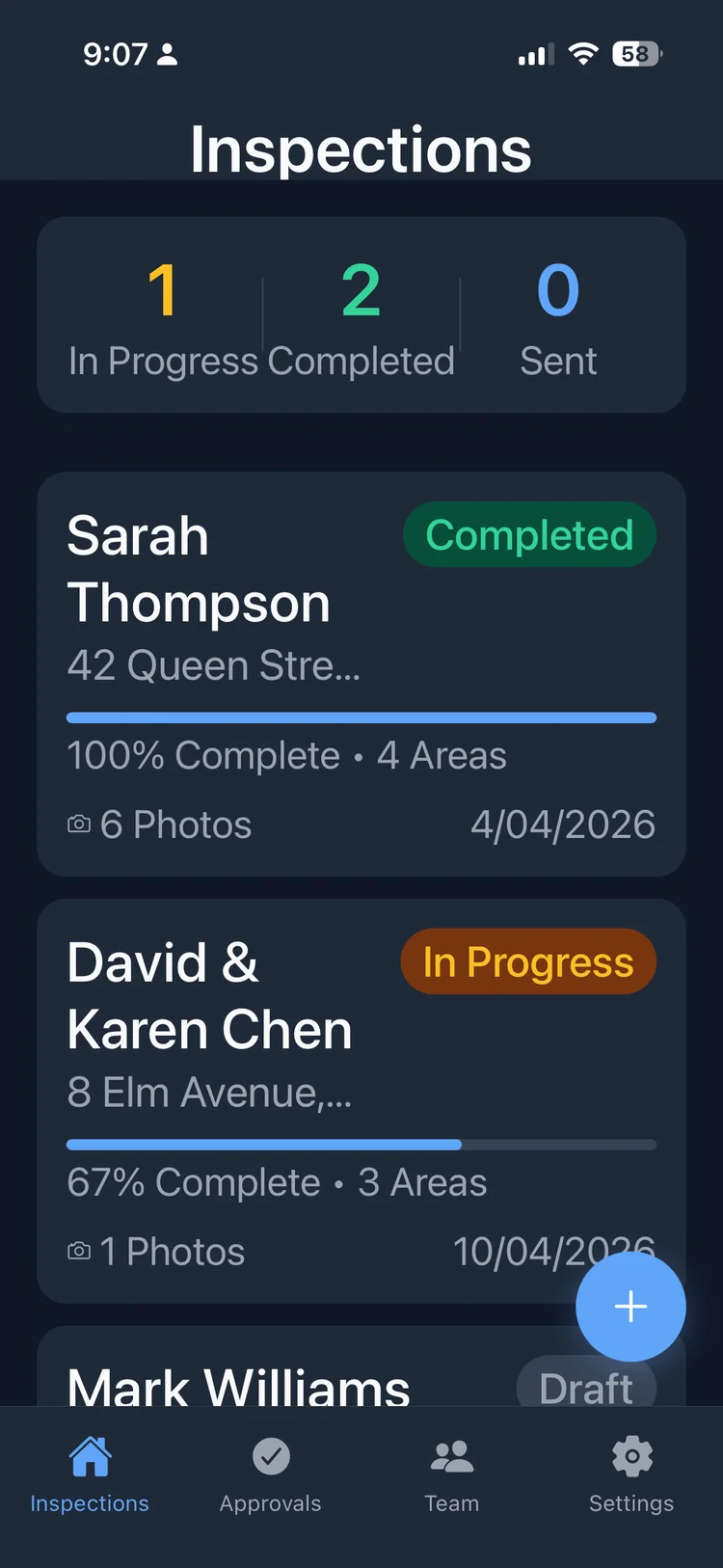
What makes a good home inspection app?
A home inspection app is a mobile tool that replaces the old desktop workflow of transferring photos, writing reports in Word, and emailing PDFs manually. The best free home inspection app lets you build the report as you inspect — capturing photos, adding comments, and generating professional documentation without leaving the site. InspectPro offers a free 10-day trial so you can test every feature before committing.
Most home inspection apps on the market fall into two categories: enterprise platforms built for large teams doing safety audits and compliance checks, and lightweight tools that are little more than a camera with a form attached. Neither is built for the way building inspectors actually work. If you're looking for a free home inspection app for iPhone that handles real property inspections, most options fall short.
InspectPro is different. It's a home inspection mobile app designed specifically for building inspectors, property inspectors, and trades professionals in New Zealand and Australia. Every feature — from structured inspection areas to photo annotations to preset comments — exists because inspectors asked for it. It works as a home inspection report app and a property inspection app in one.
The result is a home inspection software app that fits your workflow, not the other way around. You inspect the property systematically, section by section. Photos slot into the right place automatically. Common observations are a single tap. By the time you walk out the front door, your report is ready to send.
Whether you're doing pre-purchase building inspections, healthy homes assessments, rental condition reports, or new build stage inspections, InspectPro adapts to the job. As a property inspection app, it handles every inspection type. Customise your sections, create your own preset comments, and deliver reports that match your professional brand — all from your iPhone.
Structured inspection areas
InspectPro organises your inspection into logical sections — exterior, interior, roof, subfloor, wet areas, services, and site. Each area tracks completion so you know exactly what's done and what's left. Add custom sections for garages, outbuildings, decks, pools, or any area specific to the property. The inspection app adapts to the job, not the other way around.
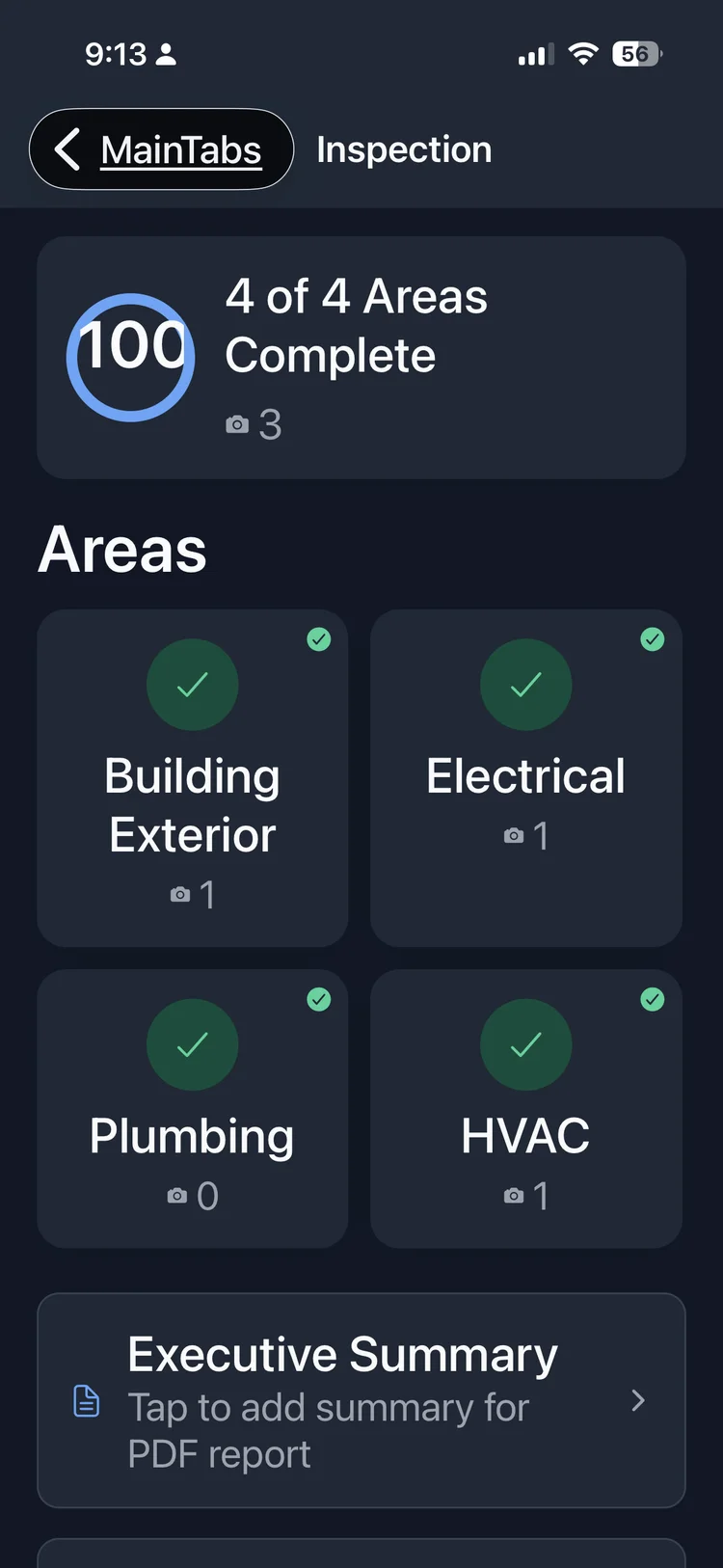
Photo annotations that tell the story
Every defect needs photographic evidence. The inspection app lets you annotate photos directly on your phone — draw arrows to highlight exactly what you've found. Moisture stains, cracking, missing flashings, structural defects, inadequate ventilation — annotated photos make your findings unmistakable to clients and agents.
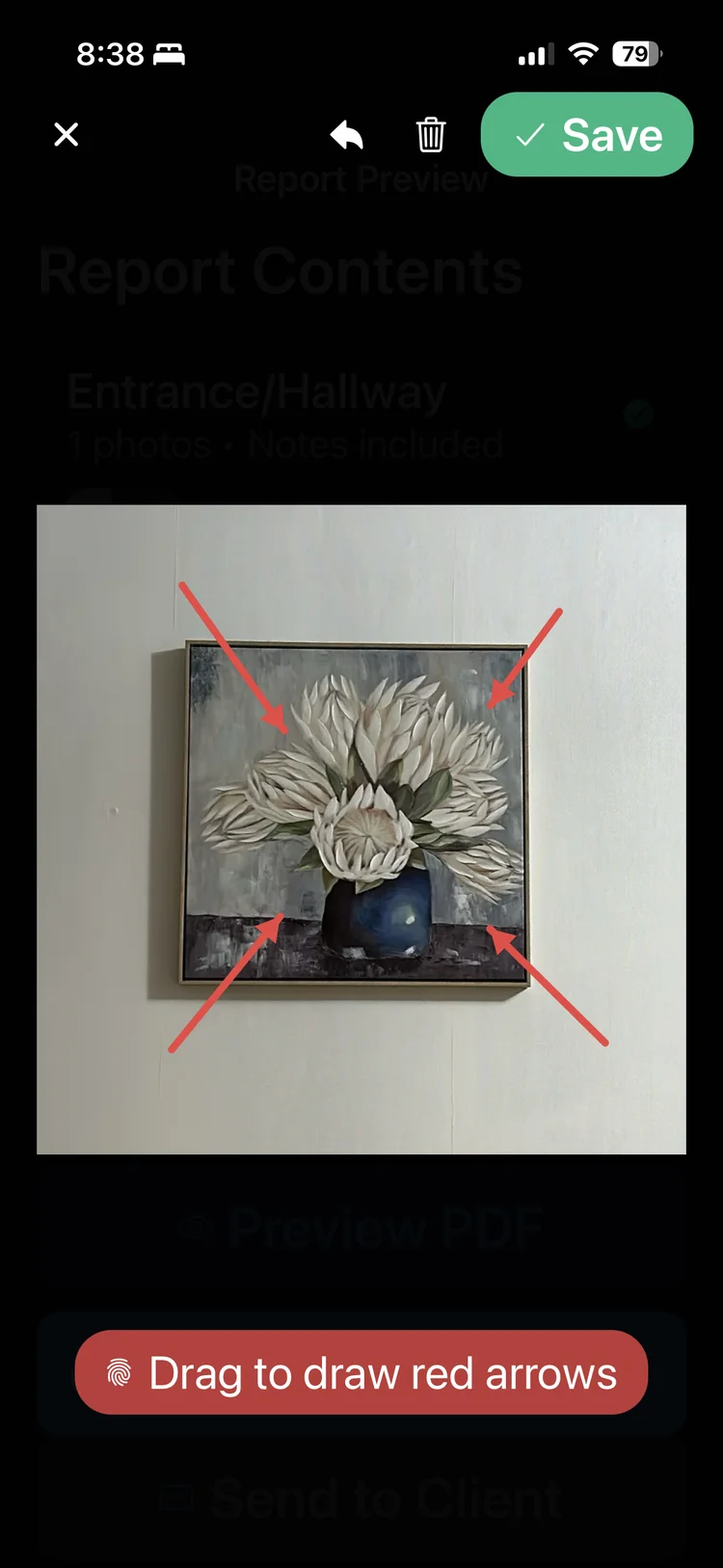
Professional PDF reports in minutes
Generate a clean, branded PDF that meets the standard clients and real estate agents expect. Your inspection report includes property details, scope, area-by-area findings with annotated photos, executive summary, and recommendations. Add your business logo, contact details, and professional disclaimers. The finished report looks like it took hours — but the inspection app built it in minutes.
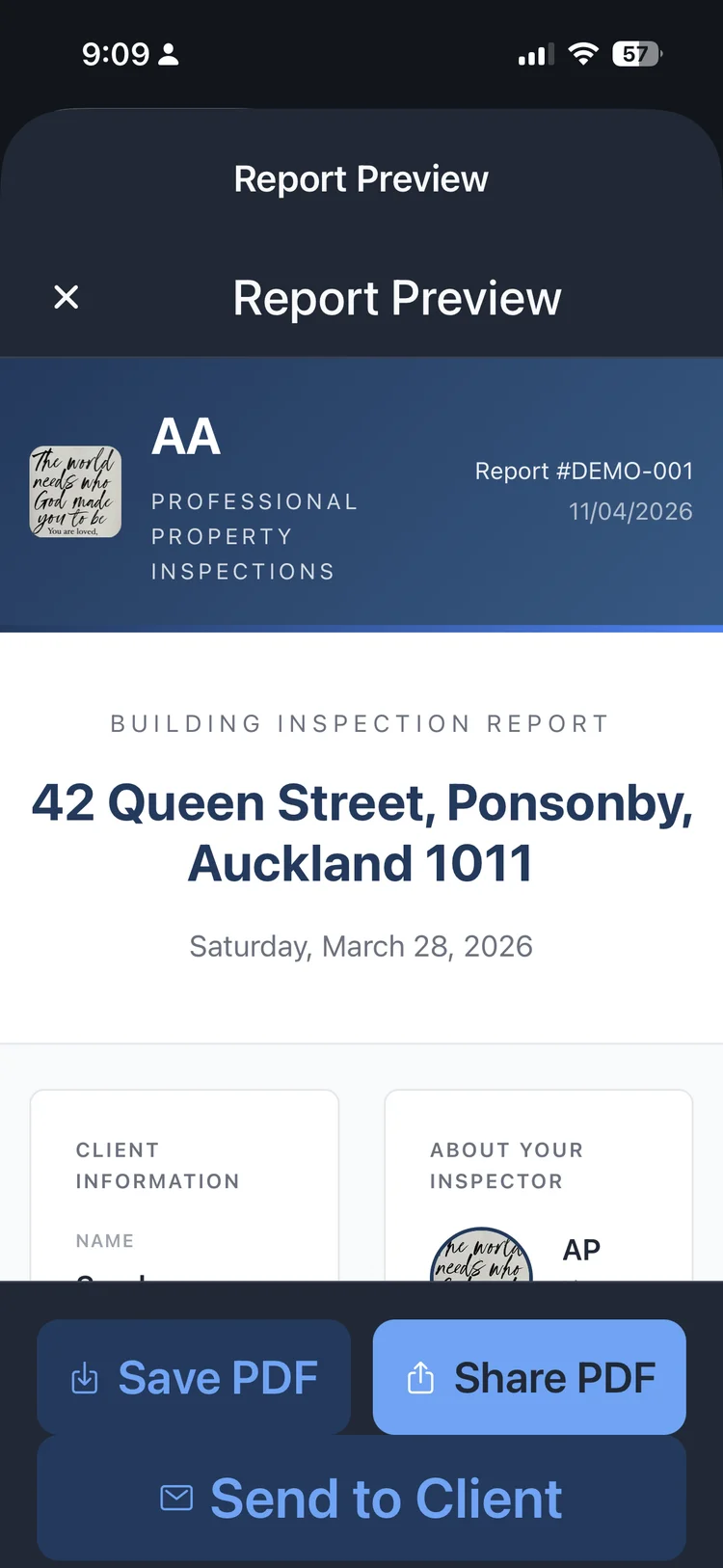
Start your first report in minutes
- 10-day free trial
- No credit card
- Keep your reports
How InspectPro works as your home inspection report app
Step 1: Set up the inspection. Enter the property address, client details, and inspection type. InspectPro creates a structured report with sections for each area — exterior, interior, roof, subfloor, services, and more. Add or remove sections to match the specific property and your inspection methodology.
Step 2: Inspect and capture. Work through the property area by area. Take photos directly in the inspection app — they're automatically placed in the correct section. Annotate photos with arrows to highlight defects, cracks, moisture damage, or areas of concern. Use preset comments for common observations or type detailed notes for specific findings.
Step 3: Review and deliver. Preview the complete report on your phone. Add your executive summary and recommendations. Sign digitally and generate a professional, branded PDF. Send your client a download link — they can view the inspection report on any device without needing an app.
Most inspectors complete the full process — property walkthrough, report writing, and client delivery — within 30 minutes of finishing the physical inspection. Compare that to the 2-3 hours the traditional desktop workflow takes.
Frequently asked questions
Ready to try the best free home inspection app?
- 10-day free trial
- No credit card
- Keep your reports